






A failed domain transfer can be frustrating.
In this guide, we explain the most frequent reasons why domain transfers fail and provide clear, step-by-step solutions to help you resolve them and complete your transfer successfully.
Common Reasons Why Domain Transfers Fail
Before diving into details, here is a quick overview of the most common transfer issues:
-
60-day domain transfer lock
-
Domain transfer lock not removed
-
Incorrect or missing authorization code
-
Registrant email problems
-
Domain expiration or abnormal status
-
Registry-specific transfer restrictions
Each of these issues can usually be resolved once properly identified.
This is the most common reason domain transfers fail.
Under ICANN policy, a domain cannot be transferred within 60 days after certain actions, including:
-
A new domain registration
-
A completed domain transfer
-
A change to key registrant contact information
This lock exists to protect domain owners from unauthorized transfers. It is not imposed arbitrarily by registrars.
-
Check whether the domain was recently registered or transferred
-
Review recent changes to registrant information
-
Wait until the 60-day lock period ends before attempting another transfer
Even if a domain is eligible for transfer, it must be unlocked first.
Common issues include:
-
The domain status is still clientTransferProhibited
-
The unlock setting was not saved
-
The status change has not fully propagated
How to fix it
-
Log in to your current registrar’s control panel
-
Confirm the domain is unlocked
-
Allow some time for the status update to take effect before retrying
Reason 3: Incorrect or Missing Authorization Code
The authorization code, also called the EPP code, is required to initiate a domain transfer.
Typical problems include:
-
Incomplete copy and paste
-
Extra spaces or hidden characters
-
Using an outdated or expired code
How to fix it
-
Generate a new authorization code from your current registrar
-
Copy and paste the code directly
-
Avoid manual typing to prevent formatting errors
During the transfer process, confirmation emails are usually sent to the registrant email address listed in Whois records.
Transfers often fail if:
-
The email address is incorrect
-
The mailbox is inactive
-
Messages are blocked or filtered as spam
How to fix it
-
Verify and update the registrant email address
-
Ensure the mailbox can receive external emails
-
Check spam and security filters
A domain’s status affects whether it can be transferred.
Common problematic statuses include:
-
Expired domains still within grace period
-
Domains in redemption status
-
Domains marked as pending delete
In some cases, a domain must be renewed or restored before a transfer can proceed.
How to fix it
-
Check the current domain status
-
Renew or recover the domain if required
-
Review registry-specific rules for transfer eligibility
Not all domain extensions follow the same transfer process.
Some TLDs, especially certain country-code domains, may require:
-
Additional verification
-
Identity or documentation checks
-
Longer processing times
How to fix it
-
Review the registry’s transfer policy for your TLD
-
Prepare any required documents in advance
-
Allow sufficient time for manual review
Before submitting another transfer request, confirm the following:
-
The domain is unlocked
-
The authorization code is valid
-
The registrant email address is correct
-
The domain status allows transfer
-
Registry-specific requirements are understood
Completing this checklist often prevents repeated failures.
Domain transfers involve coordination between registrars, registries, and ICANN policies.
When procedures are unclear or standards are not followed, transfer issues become more likely.
As an ICANN-accredited registrar, Nicenic follows globally recognized domain transfer policies and assists users in identifying and resolving common transfer problems.
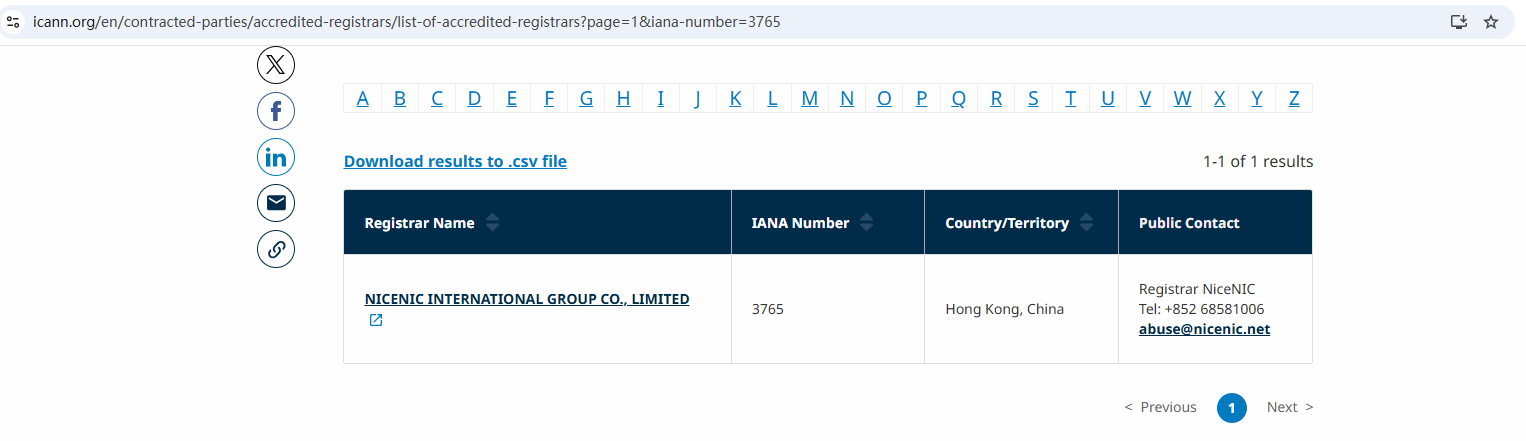
Nicenic stands as that trusted partner for brands, developers, entrepreneurs, and businesses worldwide.
Next News: Best Domain Registrars in 2026: Pricing, Support & Security Compared