





When you register a domain, it becomes one of your most valuable online assets. A domain expiration can lead to many issues, such as website downtime, email service disruption, and potentially losing your domain entirely. In this guide, we’ll explain the best practices to protect your domain from expiring, ensuring that your online presence remains secure and uninterrupted.
By following these renewal practices, you can stay in control of your domain and avoid the frustration of dealing with expired domains.
Why Is It Important to Protect Your Domain from Expiring?
1.Impact on Website and Services
When your domain expires, it becomes inaccessible to visitors, which means your website will go offline. Additionally, email services tied to that domain will stop working, impacting communication. For businesses, this could result in lost sales and damaged customer trust.
2.Loss of Control
Once a domain expires, the registrar may begin to auction it off or return it to a public pool of available domains. This means that someone else could claim the domain, and you may lose access to it permanently.
3.SEO Impact
An expired domain could result in your site being removed from search engine indexes. It can take time to regain search rankings, potentially affecting your site's visibility and traffic.
Best Renewal Practices to Keep Your Domain Secure
1.Enable Auto-Renewal
One of the easiest and most effective ways to avoid domain expiration is to enable auto-renewal. This ensures that your domain is renewed automatically before it expires, reducing the chances of missing the renewal deadline.
-
How to Enable Auto-Renewal:
-
Log in to your Nicenic account.
-
Navigate to the Domain Management page.
-
Select the option to enable auto-renewal for your domains.
-
-
Benefits:
-
Ensures uninterrupted domain ownership.
-
Reduces the risk of forgetting to renew.
-
Saves time by automating the renewal process.
-
2.Set Up Renewal Reminders
Even with auto-renewal enabled, it’s still a good idea to receive reminders in advance. Set up email notifications to alert you before the domain’s renewal date, so you can review your payment methods and domain settings.
-
How to Set Up Reminders:
-
Check your Nicenic account settings to ensure renewal reminders are activated.
-
You can receive notifications via email or SMS.
-
-
Benefits:
-
Keeps you informed of upcoming renewals.
-
Gives you time to update your payment information if needed.
3. Update Payment Information Regularly
It’s essential to keep your payment information up to date. If your payment method fails at the time of renewal, your domain could expire without you even knowing it.
-
How to Update Payment Information:
-
Log in to your Nicenic account.
-
Go to Billing Settings and update your payment details.
-
Ensure your payment method is valid and able to process automatic renewals.
-
-
Benefits:
-
Ensures seamless payment processing.
-
Prevents delays caused by expired or invalid payment methods.
-
4. Monitor Domain Expiry Dates
Even with auto-renewal set up, it's a good idea to regularly check your domain’s expiration date. This allows you to confirm that the renewal process is on track and gives you time to address any issues if the renewal doesn’t go through.
-
How to Monitor Expiry Dates:
-
Log in to your Nicenic account to view your domain’s expiry date.
-
Set a personal reminder a few weeks in advance to check the status.
-
-
Benefits:
-
Keeps you proactive in domain management.
-
Gives you an opportunity to renew domains early if necessary.
-
5. Keep a Backup of Your Domain and Website Data
Ensure that you have regular backups of your website files and database. This will help you recover quickly if your domain expires unexpectedly or if there are any other issues with your hosting provider.
-
How to Backup Your Data:
-
Use website backup tools or contact your hosting provider for backup options.
-
Store backups in secure locations, such as cloud storage or external drives.
-
-
Benefits:
-
Minimizes the risk of losing valuable website data.
-
Provides a recovery solution if the worst happens.
-
What Happens If Your Domain Does Expire?
If your domain does expire, Nicenic offers a Redemption Grace Period, giving you a chance to recover the domain before it’s released for sale to the public.
What is the Redemption Grace Period?
-
It’s a period (usually 30–45 days) after a domain expires where you can recover it for a fee. However, once this period ends, the domain will become available for anyone to register.
-
How to Recover an Expired Domain:
-
Contact Nicenic support immediately to initiate the recovery process.
-
Be aware that there may be additional costs for recovering an expired domain.
-
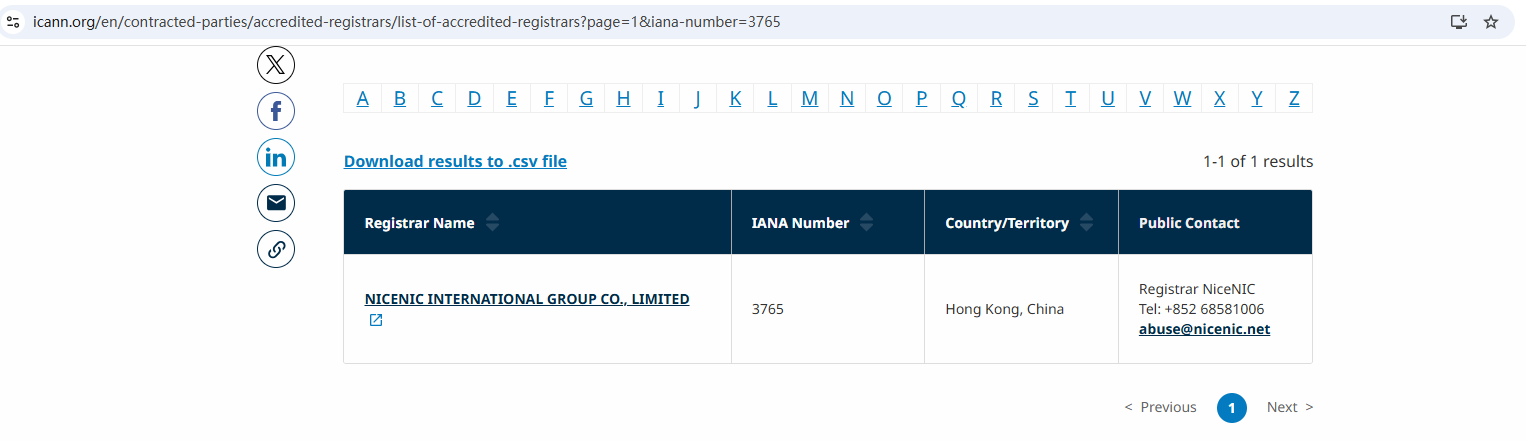
As an ICANN-accredited registrar, Nicenic provides the highest level of security and reliability for domain management. Here’s why you can trust Nicenic to help you protect your domain:
-
Auto-Renewal Feature
Automatically renew your domain to ensure it’s never at risk of expiring unexpectedly.
-
Timely Renewal Reminders
Receive advanced notifications so you’re never caught off guard by a renewal deadline.
-
Keep your payment information updated and avoid missed renewals due to payment issues.
-
Professional Support
Our team is available 24/7 to assist you with any domain-related questions or issues.
By following the best renewal practices outlined in this article, you can ensure that your domain remains active and avoid the problems that come with domain expiration. Regular monitoring, updating payment information, and enabling auto-renewal are essential steps to keeping your domain safe and under your control.
As an ICANN-accredited registrar, Nicenic offers reliable tools and services to help you protect your domain and prevent it from expiring unexpectedly.
Nicenic stands as that trusted partner for brands, developers, entrepreneurs, and businesses worldwide.
Next News: How to Avoid Common Domain and Hosting Scams