






Securing your domain is one of the most important steps in protecting your online presence. Whether you’re a small business owner, a startup, or an individual, preventing domain hijacking and unauthorized transfers is crucial. Two commonly used security measures to protect your domain are domain lock and registry lock. But what exactly are they, and how do they differ? This article will help you understand these two methods of protection and guide you in selecting the best option for your domain security needs.
What Is Domain Lock?
Domain lock is a feature provided by domain registrars to prevent unauthorized domain transfers. When enabled, this feature locks the domain, making it impossible to transfer the domain to another registrar unless the lock is manually removed by the domain owner.
Purpose and Benefits:
-
Prevents unauthorized domain transfers: Domain lock ensures that even if someone gains access to your registrar account, they cannot transfer your domain without your permission.
-
Additional layer of protection: It reduces the risk of human error and provides peace of mind by ensuring your domain remains where it belongs.
-
Ideal for everyday protection: Domain lock is simple to enable and perfect for personal domains or small businesses that need a reliable yet easy-to-use security measure.
How to Enable Domain Lock:
-
Log in to your registrar account.
-
Navigate to domain management: Go to the domain settings and find the option for domain lock.
-
Enable the domain lock: Activate the lock to prevent unauthorized transfers.
-
Unlocking the domain: If you wish to transfer the domain, simply unlock it by following the registrar’s instructions.
Registry lock is an advanced security feature provided by domain registries (the organizations responsible for managing top-level domains like .com or .net). When enabled, this feature provides an additional layer of security that prevents unauthorized changes to your domain registration information across the entire registry level.
Purpose and Benefits:
-
Higher level of security: Registry lock prevents not only domain transfers but also modifications to domain registration data, such as the WHOIS information, name servers, and other critical domain settings.
-
Requires additional validation: To make changes to the domain, registrants must undergo an extra layer of authentication, typically involving manual confirmation by the registrar or registry.
-
Best for high-value domains or businesses with sensitive online assets: Registry lock is particularly useful for businesses that rely on their domain for branding and operations, or for anyone managing high-value domains that require heightened protection.
How to Enable Registry Lock:
-
Request through your registrar: Contact your registrar to request registry lock activation.
-
Provide the necessary verification: Be prepared to submit any required authentication information.
-
Extra security steps for unlocking: Removing a registry lock generally involves additional steps and manual verification to ensure the integrity of the domain remains intact.
| Feature | Domain Lock | Registry Lock |
|---|---|---|
| Control Level | Limits domain transfer only | Prevents domain transfer and changes to domain information |
| Security | Prepares domains for everyday protection | Adds a higher level of protection against sophisticated attacks |
| Ease of Use | Easy to enable and disable | Requires more complex verification and usually manual confirmation |
| Ideal for | Personal domains, small businesses | High-value domains, critical business domains |
Which Lock is Right for You?
For Personal Domain Users:
If your primary concern is preventing unauthorized transfers, domain lock is typically sufficient. It offers a simple and effective way to secure your domain and protect it from malicious transfer attempts.
For Businesses or High-Value Domain Owners:
If your domain represents a critical aspect of your business or holds substantial value, registry lock provides an additional layer of protection. Even if your registrar account is compromised, registry lock ensures that your domain's core information remains protected.
Frequently Asked Questions (FAQ)
Q1: Can I use both domain lock and registry lock together?
Yes, you can use both types of locks for added protection. Domain lock restricts transfers, while registry lock offers additional protection by securing all registration details.
Q2: How do I transfer my domain if it’s locked?
To transfer a locked domain, you’ll need to unlock it. For domain lock, you can do this directly from your registrar’s account settings. For registry lock, you will need to contact your registrar and provide additional verification to unlock it.
Q3: Are these locks available for all domains?
Domain lock is available for most domains and registrars. Registry lock, however, is typically offered only for high-security top-level domains (TLDs) like .com and .net.
At Nicenic, we understand the importance of securing your domain. We offer both domain lock and registry lock features, giving you the flexibility to choose the level of protection that fits your needs.
-
Domain Lock: Easily activate or deactivate domain lock through our control panel to protect your domain from unauthorized transfers.
-
Registry Lock: For high-value domains, we provide a simple application process to enable registry lock, ensuring that your domain benefits from the highest level of protection.
Understanding the difference between domain lock and registry lock can help you choose the best protection for your domain. Whether you’re an individual, a small business, or a large enterprise, ensuring your domain’s security is crucial to protecting your online presence.
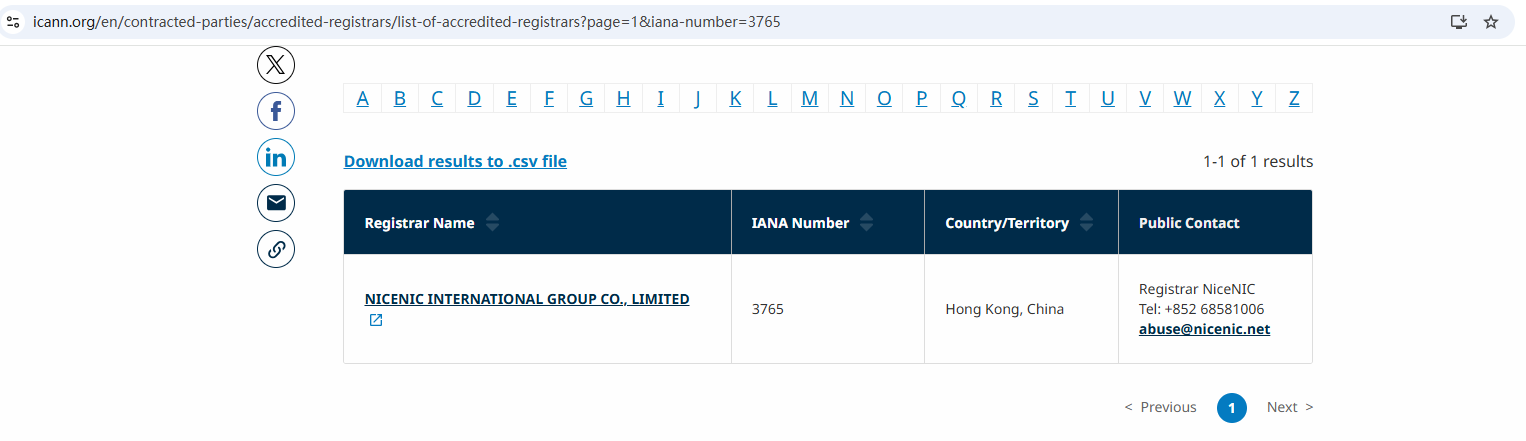
By implementing the right lock, you can minimize the risks of domain hijacking and unauthorized transfers. Nicenic, as an ICANN-accredited registrar, provides the tools and support you need to keep your domain secure and your online assets protected.
Next News: What is a .org Domain?Everything You Need To Know About .org Domains