






When transferring a domain from one registrar to another, you’ll often hear about the EPP code (also known as Auth code or Transfer Authorization Code). This code is essential for ensuring that the transfer is secure, authorized, and transparent.
In this guide, we explain what an EPP/Auth code is, why it’s needed, how to obtain it, and how to use it in the domain transfer process.
What Is an EPP/Auth Code?
An EPP code (Extensible Provisioning Protocol code), also called an Auth code or Transfer Authorization Code, is a unique security code required to authorize the transfer of a domain from one registrar to another.
The EPP/Auth code is typically:
-
Generated by your current registrar when you initiate a domain transfer.
-
Provided to you after unlocking the domain and submitting the transfer request.
This code ensures that only the domain’s rightful owner can authorize the transfer, preventing unauthorized transfers.
Why Do You Need an EPP/Auth Code?
The primary purpose of the EPP/Auth code is to safeguard your domain from unauthorized transfers. Without this code:
-
No one can transfer your domain to another registrar without your permission.
-
It adds an extra layer of security to ensure the domain owner is in control of the transfer process.
Without the EPP/Auth code, registrars won’t process the transfer request, ensuring the protection of your domain.
How to Obtain an EPP/Auth Code
Obtaining the EPP/Auth code is a straightforward process, though it may vary slightly depending on your domain registrar. Here’s a general step-by-step guide:
Step 1: Log in to Your Registrar Account
Go to your current registrar’s website and log in to your account.
Step 2: Unlock the Domain
Navigate to your domain management section.
Make sure that the domain you want to transfer is unlocked. Domains are often locked to prevent unauthorized transfers, so you’ll need to unlock it before obtaining the EPP code.
Step 3: Request the EPP/Auth Code
Find the option to request the EPP/Auth code. This can usually be found in your domain’s settings or transfer section.
The code will typically be sent to your registrant email address.
Step 4: Check Your Email
After requesting the code, check your email for the EPP/Auth code.
Depending on your registrar, the code might arrive instantly or could take several hours.
Once you’ve obtained the EPP/Auth code, it’s time to use it for transferring your domain to a new registrar.
Step 1: Start the Transfer Process
Go to your new registrar’s website and initiate the domain transfer process.
Enter the domain name you want to transfer, and when prompted, provide the EPP/Auth code.
Step 2: Enter the EPP/Auth Code
During the transfer process, you’ll be asked to enter the EPP/Auth code in a secure field.
Be sure to double-check that you’ve entered the correct code — any mistakes will prevent the transfer from completing.
Step 3: Approve the Transfer Request
Once you submit the EPP/Auth code, your current registrar will receive the transfer request.
Step 4: Wait for the Transfer to Complete
After you approve the transfer, the process usually takes 5–7 days, though it can sometimes be completed faster.
Once the transfer is completed, the domain will be fully under the control of the new registrar.
If you're having trouble with the EPP/Auth code, here are a few common issues and solutions:
1. Check the Domain Lock Status
Make sure your domain is unlocked before requesting the EPP code. If it’s still locked, your registrar will not provide the code.
2. Verify the EPP Code
Ensure that you are using the correct EPP/Auth code. Some registrars send the code as a long alphanumeric string, so double-check for typos or errors.
3. Check for Email Delays
Sometimes, the EPP code may take a little while to arrive in your email inbox. If you haven’t received it yet, wait a few hours or check your spam folder.
4. Ensure Your Contact Information Is Updated
Make sure that your registrant email address is up-to-date with your registrar. The EPP/Auth code will be sent to this email, and you must have access to it.
5. Contact Your Registrar
If you've followed all the steps and still can’t obtain the EPP code, contact your registrar’s customer support team for assistance. They should be able to help you retrieve the code or resolve any issues.
Since the EPP/Auth code is a critical part of securing your domain, it’s important to handle it carefully. Here are some best practices:
-
Keep the code confidential — Only share it with those who need it for the transfer.
-
Only share the code when you’re ready to authorize the domain transfer.
-
Use a trusted email address for the domain contact to ensure full control over the transfer process.
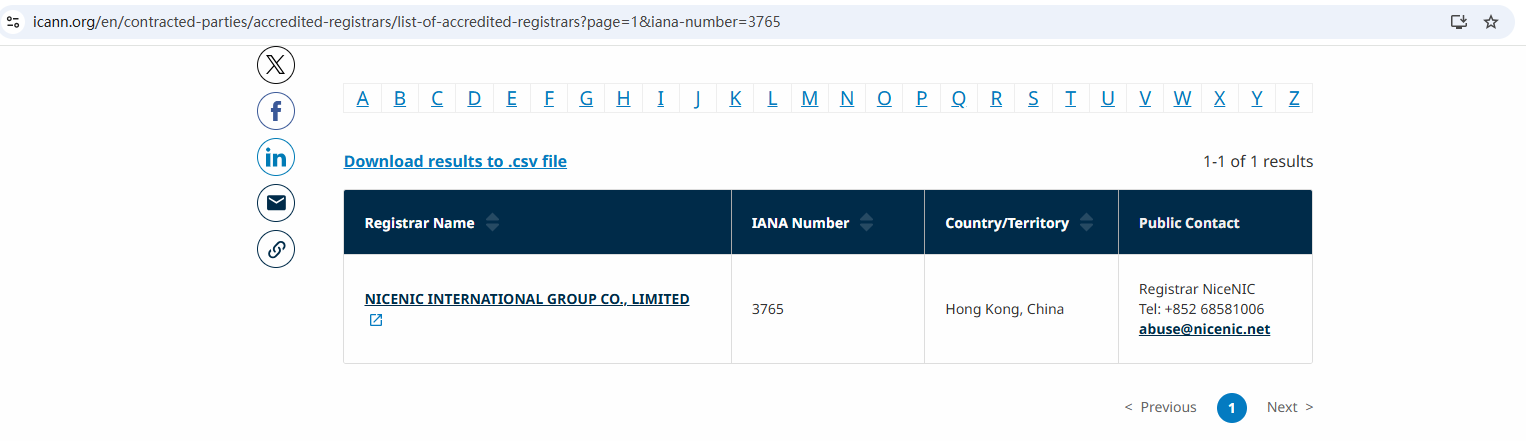
At Nicenic, we follow ICANN’s strict rules for domain transfers to ensure a secure, seamless process. When transferring a domain to or from Nicenic, you’ll be guided through the necessary steps to obtain and use the EPP/Auth code.
We ensure that:
-
EPP/Auth codes are securely handled during transfers.
-
Clear instructions are provided to simplify the transfer process.
-
Responsive support is available if you encounter any difficulties.
The EPP/Auth code is essential for securing and transferring your domain. It ensures that only the rightful domain owner can authorize a transfer, protecting your valuable assets from unauthorized access.
By understanding what it is, how to obtain it, and how to use it correctly, you can ensure a smooth and secure domain transfer process. If you encounter any issues, Nicenic’s team is here to assist you.
Next News: How to Avoid Losing Your Domain — Renewal & Auto-Renew Checklist