






As a domain owner, understanding how DNS (Domain Name System) works is crucial to ensuring your website remains accessible and secure. DNS is the backbone of internet navigation, connecting domain names to the correct IP addresses. Without it, users would need to memorize complex IP addresses to visit websites, which is not feasible. In this article, we’ll explain how DNS works, why it’s essential, and how you can manage your DNS settings with Nicenic, an ICANN-accredited registrar.
What is DNS?
DNS, or Domain Name System, is essentially the internet’s "phonebook". It is responsible for converting human-readable domain names (such as www.example.com) into machine-readable IP addresses (such as 192.0.2.1). Without DNS, it would be impossible for browsers to find websites by their domain names.
How DNS Works
Here’s a simple breakdown of how DNS works:
-
User types in a domain name: You enter a domain name, like www.example.com, into your browser.
-
DNS query is sent: Your browser sends a query to the DNS server asking for the IP address associated with the domain.
-
DNS server responds: The DNS server returns the corresponding IP address for the domain.
-
Connection established: Your browser uses the IP address to connect to the server and load the website.
This process happens almost instantaneously, and is essential for every internet interaction.
The Role of DNS in Website Accessibility
Why DNS is Important
DNS plays a crucial role in ensuring that users can access your website easily and securely. Without DNS, a user would need to enter a long string of numbers (the IP address) instead of a simple domain name. Additionally, DNS is involved in many other critical aspects:
-
Email delivery: DNS helps route email to the correct servers using MX records.
-
Security: DNS can be secured with DNSSEC (DNS Security Extensions) to prevent attacks such as DNS spoofing or cache poisoning.
Common DNS Records
There are several types of DNS records that tell the internet how to handle various services for a domain. Some of the most common ones include:
-
A record: This connects a domain to an IP address.
-
CNAME record: Used for redirecting a domain to another domain.
-
MX record: Directs email to the correct mail server.
-
TXT record: Often used for email verification or domain ownership validation.
How Does DNS Work Behind the Scenes?
Step-by-Step DNS Resolution Process
-
Browser sends a DNS query: When you type www.example.com, your browser first checks if the domain’s IP address is already in its cache.
-
Recursive DNS resolver: If the IP address is not cached, the request is sent to a recursive DNS resolver (often provided by your ISP).
-
Root DNS server: The recursive resolver queries a root DNS server to get the information for the top-level domain (TLD) like .com, .net, or .org.
-
TLD DNS server: The resolver then queries the appropriate TLD DNS server for the specific domain's authoritative name server.
-
Authoritative DNS server: The resolver finally reaches the authoritative DNS server for example.com, which contains the correct A record pointing to the domain’s IP address.
-
IP address returned: Once the IP address is obtained, the resolver sends it back to the browser, which can then connect to the server hosting the website.
Caching for Speed
To speed up the process, DNS records are cached by various entities, including your computer and DNS servers. This means that once the DNS record for a domain is looked up, the result is stored for a period of time (known as TTL, or Time to Live), reducing the time it takes to access the website in the future.
Managing DNS Settings with Nicenic
As a domain owner, managing your DNS settings is essential for ensuring that your website and other services are running smoothly. Nicenic, an ICANN-accredited registrar, provides easy-to-use tools for managing your DNS settings. Here’s how you can manage your DNS with Nicenic:
-
Log into your Nicenic account: Access your domain management panel.
-
Navigate to DNS settings: Find the section where you can manage your domain’s DNS records.
-
Edit your DNS records: You can edit A records, CNAME records, MX records, and other DNS settings to configure your domain as needed.
-
DNSSEC configuration: If you want to enhance the security of your domain, you can enable DNSSEC to protect against DNS spoofing and cache poisoning attacks.
Nicenic also provides 24/7 support to assist you with DNS management and troubleshooting, ensuring that your domain remains secure and accessible.
Common DNS Issues and How to Fix Them
1. Website Downtime Due to DNS Misconfiguration
If your website is down, it could be due to incorrect DNS settings, such as wrong A records or CNAME configurations. You can fix this by verifying your DNS records in your Nicenic control panel and ensuring they are correct.
2. Email Delivery Issues
If emails aren’t being delivered to the correct server, the issue could be with your MX records. You can fix this by checking your MX records and ensuring they are correctly set up for your email provider.
3. Slow Website Performance
If your website is slow, it might be due to inefficient DNS servers. Consider using a faster, more reliable DNS provider, or enable DNS caching to improve load times.
Understanding how DNS works is essential for anyone managing a domain. It ensures that your website remains accessible, your email works properly, and your domain is secure. By configuring your DNS settings correctly, you can improve the speed and reliability of your online services.
With Nicenic, you can easily manage your DNS settings, and with our ICANN-accredited registrar status, you can trust that your domain is in good hands. We offer comprehensive support and tools like DNSSEC to enhance your domain’s security.
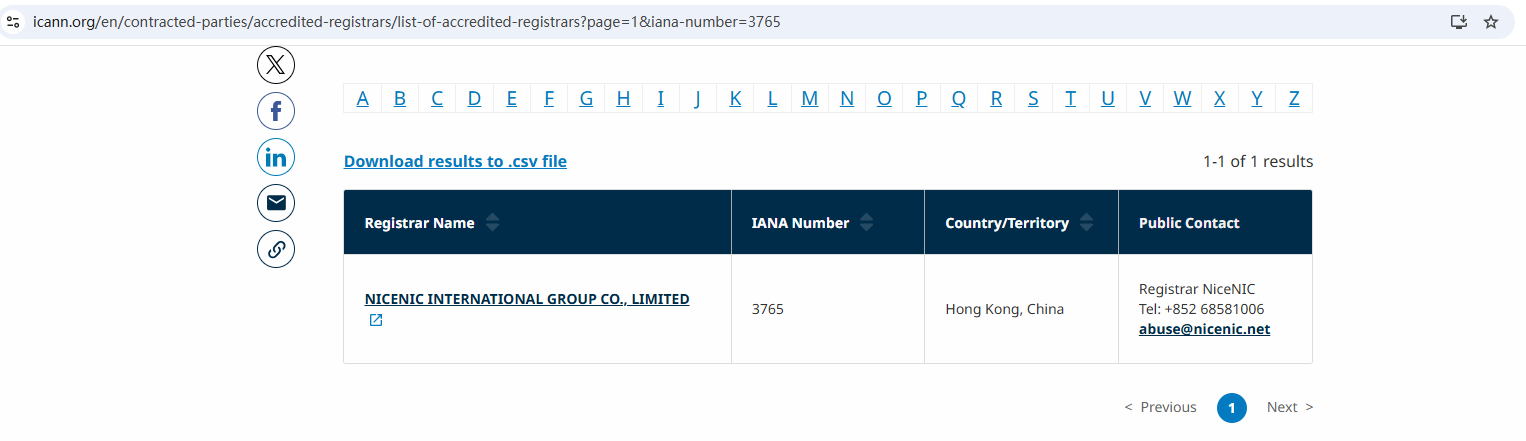
Nicenic stands as that trusted partner for brands, developers, entrepreneurs, and businesses worldwide.
Next News: Phishing, Malware, Spam: What “DNS Abuse” Means?