






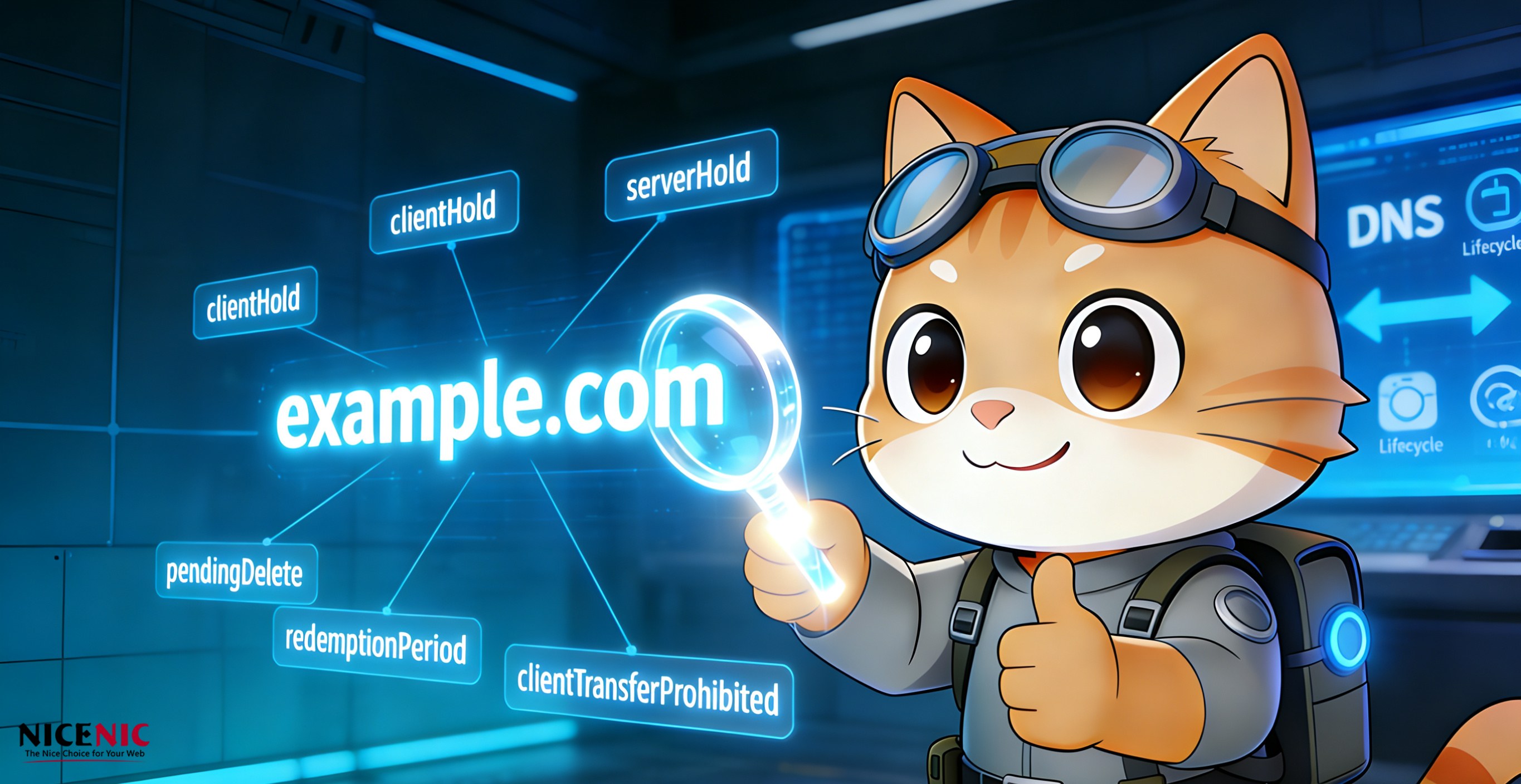
Introduction: Why Domain Status Codes Matter
For domain owners, these codes determine:
-
Whether your domain resolves
-
Whether you can update or transfer it
-
Whether it can be renewed or restored
-
Whether the registry or registrar has placed restrictions
-
Whether the domain is in an abuse, legal, or lifecycle process
Most users see codes such as:
…but do not understand what they mean.
As an ICANN accredited registrar, Nicenic provides this complete guide to help you interpret every domain status code clearly.
Section One: Basic "Normal" Status Codes
1. ok / active
Impact: Domain resolves normally
Can be updated, transferred, or renewed
Common scenarios:
Domain just registered
Domain transferred without setting DNS
All nameservers removed
Impact: Domain will not resolve
Website and email will not work
Section Two: Registrar Controlled Status Codes (“client” status)
1. clientHold — Domain does not resolve
Reasons:
-
Payment issue
-
Mild abuse or policy violation
-
Manual suspension requested by user
Impact:
-
Domain will not resolve
-
Website and email will be offline
2. clientTransferProhibited — Transfer is locked
Reasons:
-
Transfer lock enabled for security
-
WHOIS verification pending
-
User-enabled domain protection
Impact:
-
Registrar transfer is blocked
Reasons:
-
Security protection
-
Ongoing verification
-
Temporary lock requested by user
Impact:
-
Cannot modify contact info or DNS records
4. clientDeleteProhibited — Deletion is blocked
Reasons:
-
High-value domains
-
Active disputes
-
Customer protection
5. clientRenewProhibited
Rare status.
Section Three: Registry Controlled Status Codes (“server” status)
1. serverHold — Domain does not resolve (Registry level)
Reasons:
-
Malware or phishing
-
Law enforcement request
-
Court order
-
Policy violation
-
Inaccurate registrant data
Impact:
-
Domain is fully offline
-
Registrar cannot remove this status
Reasons:
-
UDRP or legal dispute
-
Pending investigation
-
Registry policy enforcement
Impact:
-
Transfer cannot be performed under any registrar
3. serverUpdateProhibited
4. serverDeleteProhibited
5. serverRenewProhibited
Often appears when the registry has decided to delete or withdraw a domain.
Section Four: Domain Lifecycle Status Codes
These codes describe the life cycle of a domain. Understanding them helps domain owners avoid losing important domains.
1. addPeriod — Add Grace Period
Domain has just been registered and may be deleted with partial refund.
2. autoRenewPeriod — Automatic Renewal Window
Registrar has renewed the domain automatically for one year. User may still cancel during this period.
Domain is in a post-renewal transition.
4. transferPeriod
Domain just completed a transfer and received an additional year (for most TLDs).
5. redemptionPeriod — High-cost restore window
Length: ~30 days.
Impact:
-
Domain does not resolve
-
Restore costs are high, controlled entirely by the registry
Impact:
-
Cannot be renewed
-
Cannot be restored
-
Must wait for deletion to re-register
7. pendingTransfer
Transfer is in progress.
8. pendingCreate
Registry is processing creation.
9. pendingRenew / pendingRestore
Domain renewal or restore request is pending registry confirmation.
Section Five: How to Instantly Understand Any Domain Status
Here is the simple rule Nicenic uses internally:
✔ If the code starts with client
✔ If the code starts with server
✔ If the code contains period
It refers to a lifecycle stage such as redemptionPeriod or pendingDelete.
Conclusion
-
Security
-
Abuse handling
-
Lifecycle stage
-
Legal or policy restrictions
-
Registry versus registrar authority
With this guide, Nicenic customers and partners can now interpret any Whois or RDAP status immediately and know what action to take next. Understanding domain status is essential for protecting your online identity, preventing domain loss, and ensuring stable operation.
Nicenic will continue providing transparent, expert level domain guidance to every user.
Next News: A Simple Guide to How Domain Names Work