





Domain hijacking is a serious threat that can disrupt your online presence, harm your brand reputation, and cost you time and money. When a domain is hijacked, it means unauthorized individuals gain control over your domain name, potentially leading to its theft, misuse, or loss. The good news is that there are steps you can take to secure your domain and protect it from hijacking attempts.
In this article, we will explore the essential security measures you can implement to ensure your domain stays safe and remains under your control at all times.
What is Domain Hijacking?
Domain hijacking occurs when someone gains unauthorized access to a domain account and changes the domain’s registration details, such as the registrant’s name, email, and contact information. This can lead to a complete loss of control over the domain and, in some cases, result in the domain being transferred to another registrar or owner without your consent.
Why Does Domain Hijacking Happen?
Hijackers target domains for various reasons, including:
-
Selling the domain for profit: High-value domains can be sold on the aftermarket for a substantial price.
-
Exploiting your online presence: Some hijackers take control of domains to redirect traffic to malicious websites, harming your reputation and website traffic.
-
Ransom: In some cases, domain owners are extorted for payment to regain control of their hijacked domain.
How to Secure Your Domain from Hijacking
1. Use Strong, Unique Passwords
Your domain registrar account should have the strongest possible password. Avoid using common phrases or easily guessable information, such as your name, birthday, or the word “password.” Instead, use:
-
A combination of uppercase, lowercase, numbers, and special characters.
-
A password manager to store and generate secure passwords, if needed.
Ensure that your password is unique and different from other accounts you use. This reduces the risk of multiple accounts being compromised in the event of a security breach.
2. Enable Two-Factor Authentication (2FA)
Two-factor authentication (2FA) is one of the most effective ways to add an extra layer of security to your domain registrar account. With 2FA enabled:
-
You will need to provide a second form of verification, such as a code sent to your phone, in addition to your password.
-
Even if a hacker manages to obtain your password, they will not be able to access your account without the second form of verification.
Make sure to use authenticator apps like Google Authenticator or Authy for enhanced security.
3. Lock Your Domain
Most domain registrars offer the option to lock your domain. When your domain is locked, it prevents unauthorized transfers, making it harder for a hijacker to take control of your domain.
-
Registrar Lock: This locks your domain with your registrar, preventing any changes to your domain's settings or unauthorized transfers.
-
Domain Lock is a simple yet effective way to prevent hijacking and is especially important if you don’t plan to transfer your domain in the near future.
4. Monitor Domain Settings Regularly
Keep a close eye on your domain account settings. Regularly check for unauthorized changes to:
-
Contact information: Ensure your email address and phone number are correct and up to date.
-
Nameservers: Make sure no unauthorized changes have been made to your domain’s nameservers, which could redirect traffic to another site.
Set up notifications with your registrar to be alerted whenever there are changes to your domain account or settings.
When you register a domain, your personal contact information (such as your email address and phone number) is often publicly accessible through WHOIS databases. This makes it easier for cybercriminals to gather information about you and attempt phishing attacks.
By using WHOIS privacy protection, your personal information is kept private and replaced with the contact information of a proxy service. This helps prevent hijackers from targeting you directly.
6. Secure Your Email Account
Your email account is often the first line of defense in protecting your domain. Many hijackers use phishing emails to trick domain owners into revealing their login credentials. Here's how to protect your email account:
-
Enable 2FA on your email account.
-
Use a strong, unique password for your email account.
-
Regularly update recovery options to ensure you can regain access if needed.
Also, be cautious about any emails or links you receive, especially those that seem suspicious or ask for personal information.
Ensure that your registrar account has accurate and updated contact details. This includes:
-
Email address
-
Phone number
-
Physical address
If you change your email or contact information, notify your registrar immediately to update their records. This ensures that you will receive important security notices or transfer requests, and it helps prevent unauthorized parties from gaining control over your domain.
Choosing a trustworthy registrar is one of the first steps in securing your domain. Look for registrars that offer:
-
Robust security features such as domain locking, two-factor authentication, and email verification for changes.
-
24/7 customer support in case you need assistance with securing or recovering your domain.
-
Transparent policies and a solid track record of protecting customers against domain hijacking.
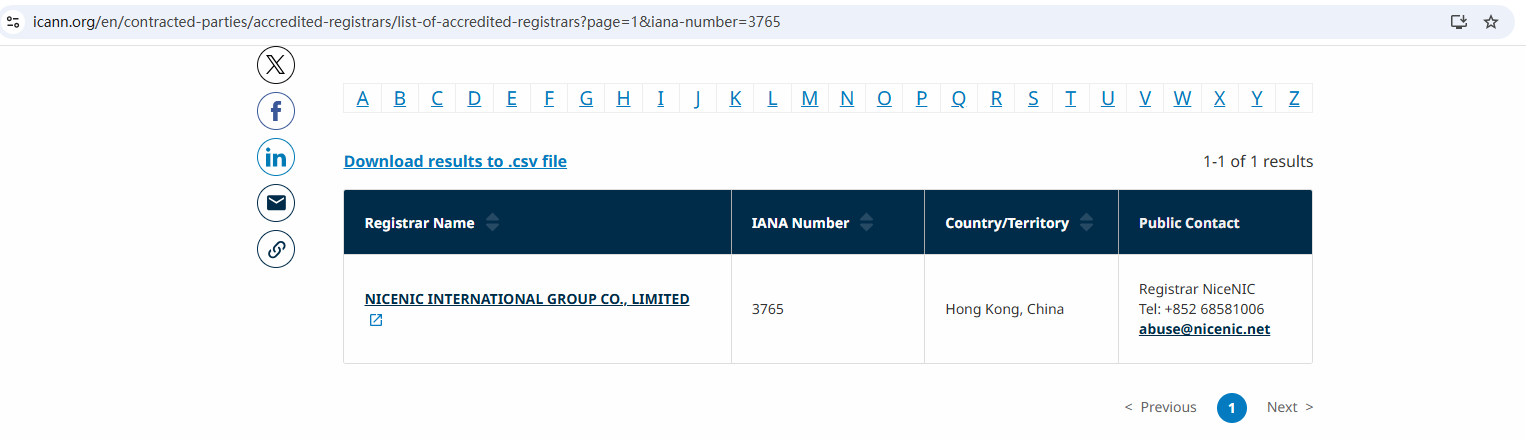
As an ICANN-accredited registrar, Nicenic has a proven track record of keeping domains safe and ensuring that your valuable assets are always under control.
If you suspect that your domain has been hijacked:
-
Contact your registrar immediately and report the hijacking.
-
Provide them with all relevant details and request to restore the domain to your control.
-
File a complaint with ICANN if your registrar is unresponsive or unable to help.
In many cases, registrars can restore your domain if it has been hijacked within a short time frame, especially if the hijacking has not yet progressed to the point where it has been transferred to another party.
Final Thoughts
At Nicenic, we understand the importance of domain security. As an ICANN-accredited registrar, we provide robust security features, including domain locking, two-factor authentication, and 24/7 customer support to ensure your domain remains protected.
By taking these precautions, you can ensure that your domain stays under your control and your online presence remains secure.
Nicenic stands as that trusted partner for brands, developers, entrepreneurs, and businesses worldwide.
Next Nuevos: Qué es un código EPP/Auth y cómo usarlo